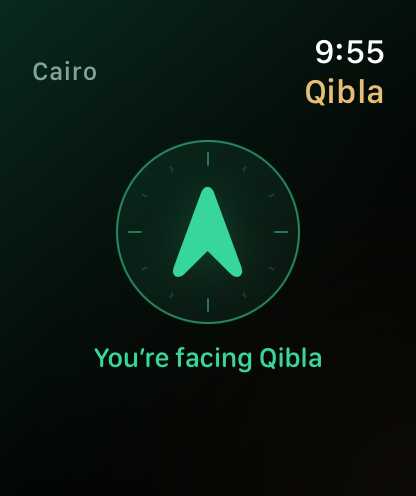
BEFORE YOUR PRAYER
Arrive. Align. Begin.
Find Qibla, check the prayer time, and take a breath. Everything you need to begin is right on your wrist.
Qibla guidance uses your watch’s location and compass.
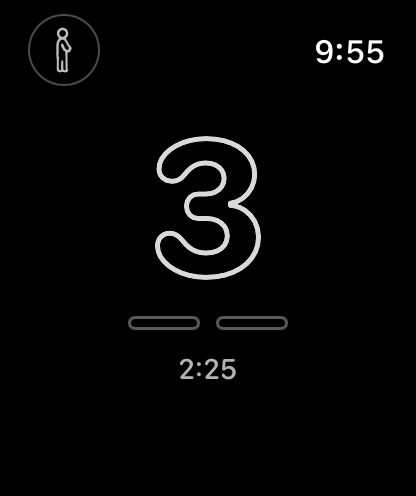
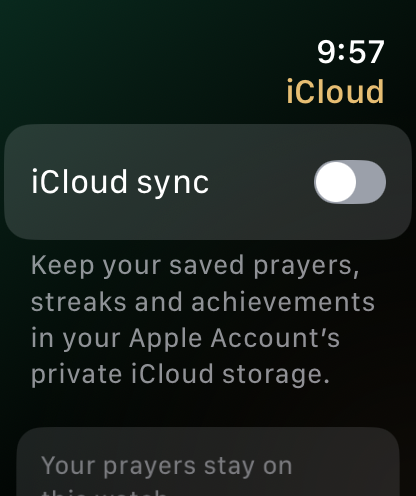
RAK’AH FOR APPLE WATCH
Gentle counting and quiet cues, designed to help you stay present in prayer.
Explore Rak’ah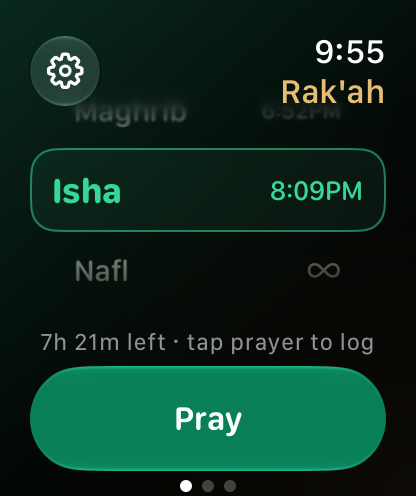
A LITTLE MORE PRESENCE
“Was that my
third rak’ah?”
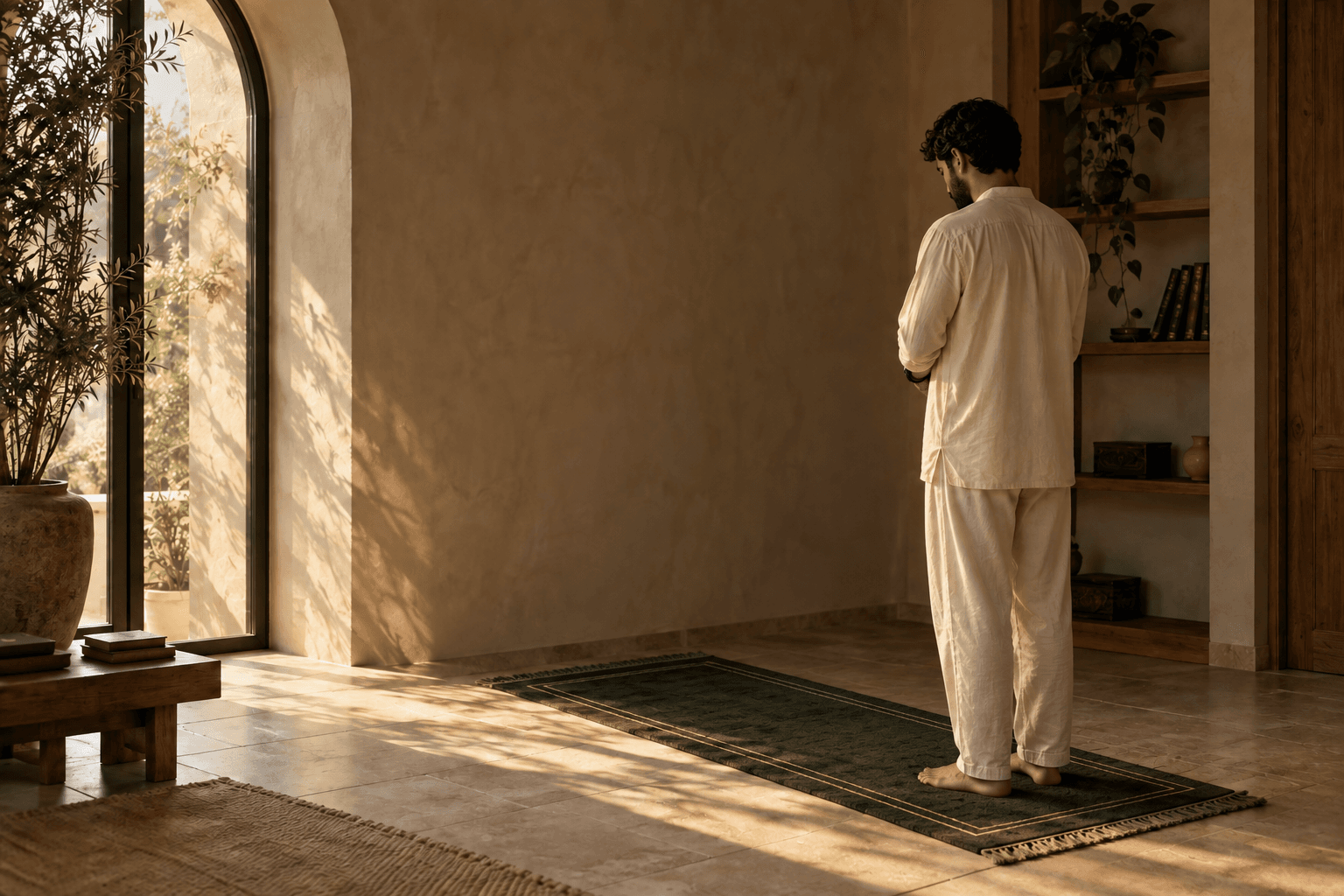
A familiar thought. A quiet cue to help you keep your place.
So your attention can return to what matters. The prayer you’re in.
Take a look inside Rak’ah.
Four moments. One prayer. Your pace.
BEFORE YOUR PRAYER
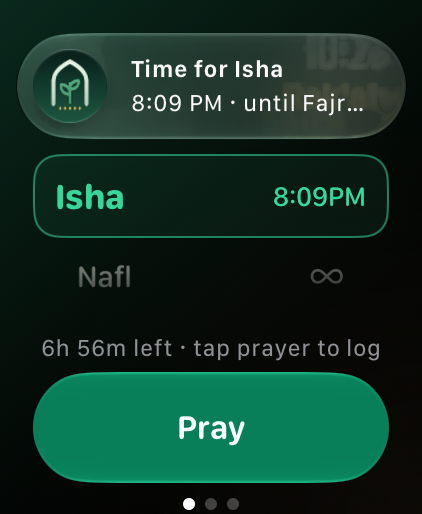
Find Qibla, check the prayer time, and take a breath. Everything you need to begin is right on your wrist.
Qibla guidance uses your watch’s location and compass.
A MOMENT OF INTENTION
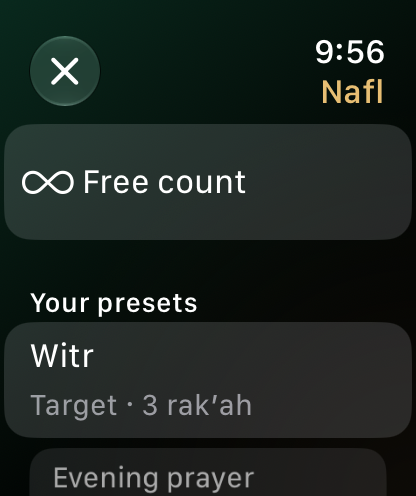
Choose your prayer and tap Pray. Leave your phone aside. Rak’ah follows along from your Apple Watch.
Prayer times follow your location and calculation settings.
DURING YOUR PRAYER
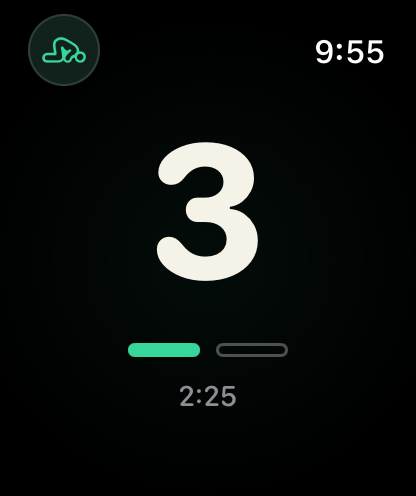
Your rak’ah count and sujood progress, a glance away. Quiet cues help you keep your place.
Motion-based counting is in development and can be imperfect.
AFTER YOUR PRAYER
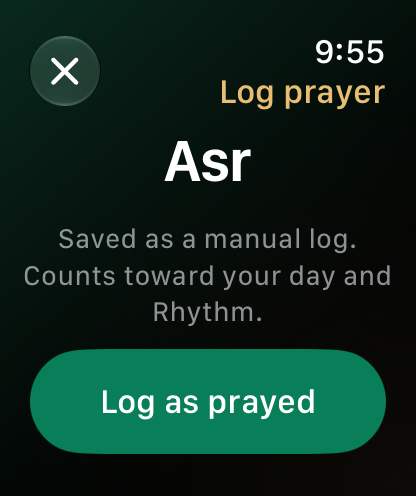
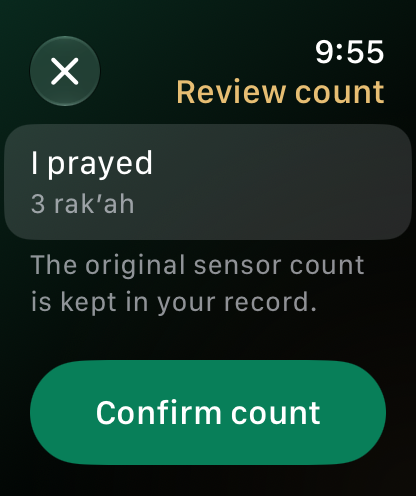
Finish your session and save it to your history. If a count needs another look, you can review and confirm it yourself.
A personal record, never a judgment of your prayer.
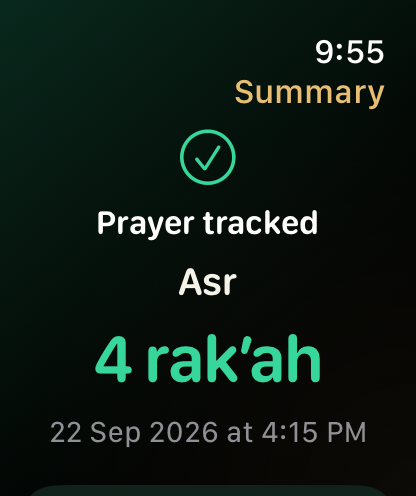
Swipe to exploreDrag or shift-scroll to explore
Real app screens with sample data. This walkthrough previews the experience; it does not track a prayer.
A little less counting.
A little more presence in every movement.
POSTURE
First sujood
First sujood. The first prostration. A quiet beginning to the sequence.
Illustrative film and tracking. Motion cues are still being refined.
Two quiet taps and an amber cue when a movement may need another look. Review your count after prayer.
Actual app UI with a simulated tracking cue. Motion-based cues can be imperfect.
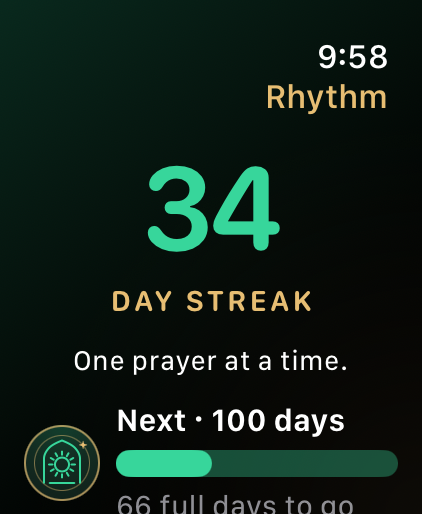
See the prayers you returned to this week, and the consistency taking shape one day at a time.
Explore your weekLook back at the moments you made room for, with a weekly reflection and a day-by-day history.
Watch your rhythm take shape.
Explore six milestones, one moment at a time.
1 DAY OF RHYTHM
Your first complete day. A small beginning, and a moment worth remembering.
A preview of the Rhythm collection. Every return is worth remembering.
Keep what’s next close, on your watch face or in your Smart Stack.
Your next prayer and Rhythm beside the time.
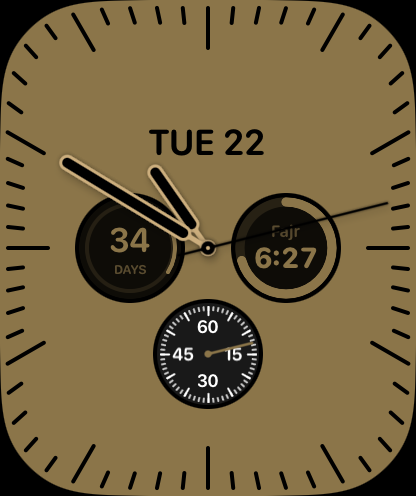
One turn shows the next prayer and its countdown.
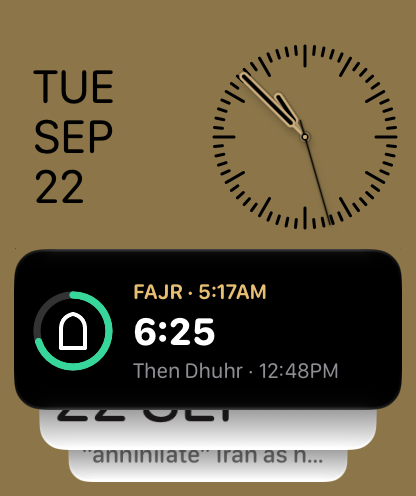
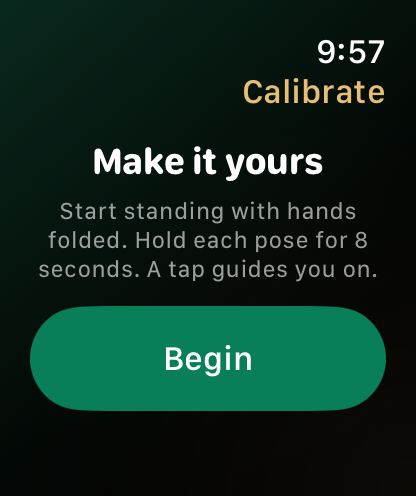
Set a Fajr wrist alarm before you sleep. Choose the prayer reminders that make room for your day.
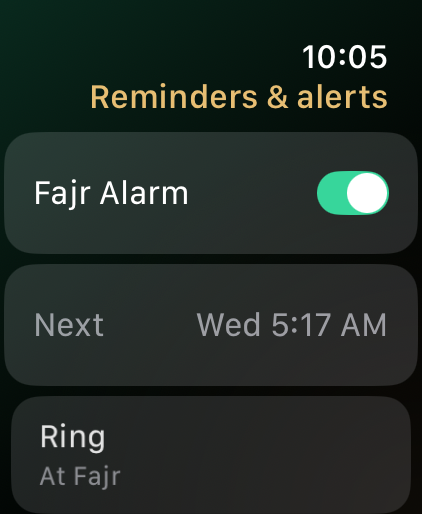
04 / MAKE IT YOURS
01 / 07Gentle reminders
Swipe to explore your preferences
A gentle reminder can make room for prayer on a full day. Choose which prayers you want reminders for, with a ten-minute snooze when available.
GOOD TO KNOW
A closer look at Rak’ah,
before you begin.

Leave your email for news of a future App Store launch.